
Download Multiple Reboot Scheduler – multiple reboot scheduler, restart utility, startup optimization, hybrid shutdown fix, quick reboot tool, Windows performance booster, system maintenance tool
Overview
Multiple Reboot Scheduler is a productivity-focused utility designed to enhance the startup efficiency of Windows-based systems. The app addresses a common issue faced by users of newer Windows versions: the gradual degradation of boot speed due to hybrid shutdowns. These shutdowns, while designed to speed up restarts, can inadvertently lead to slower performance over time by fragmenting system files and altering startup behavior. Multiple Reboot Scheduler counters this by enabling users to schedule and execute multiple quick restarts, which help reorganize essential startup files on the hard drive for faster access.
Target users include individuals seeking to maintain optimal system performance without deep technical knowledge. This includes home users, remote workers, and anyone relying on consistent computer responsiveness. The tool is particularly useful for those who notice their PC taking longer to boot after extended use. By leveraging Windows’ built-in performance analysis, the app strategically relocates startup files to faster storage locations, improving access speed and overall system readiness.
Developed by Jason A. Bilbrey, the app is positioned as a lightweight, low-maintenance solution for system maintenance. It does not require complex configuration or ongoing oversight. The developer did not provide additional technical details beyond the app’s core functionality. Despite its minimal footprint, the app plays a meaningful role in the Windows productivity ecosystem by offering a simple yet effective way to combat performance decay.
Key Features & Functionality
- Efficient Startup Optimization: The app’s primary function is to improve boot speed through scheduled restarts. Each reboot allows the system to re-evaluate and reorganize startup file placement, promoting faster access during future startups.
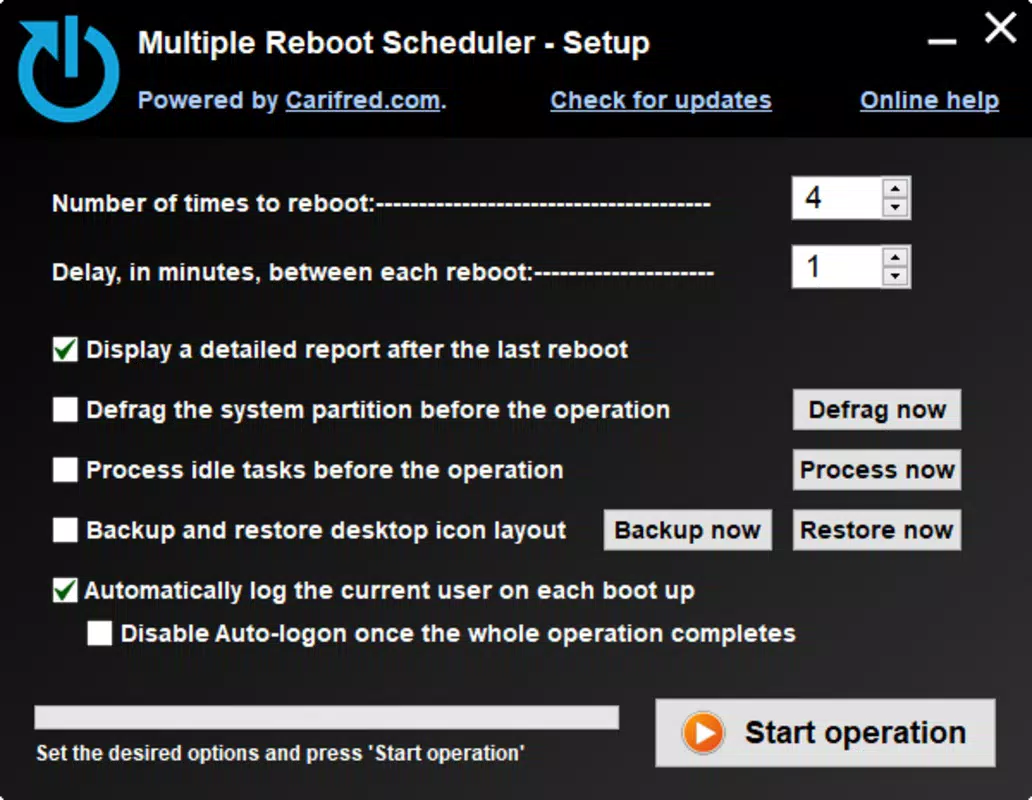
- Customizable Scheduling Options: Users can define the number of consecutive reboots and set a waiting interval between each one. This flexibility allows for tailored optimization based on individual usage patterns and system load.
- User-Friendly Interface: The app features a straightforward layout with clear menu options. Navigation is intuitive, making it accessible to users with varying levels of technical expertise.
- Hybrid Shutdown Fix: By facilitating complete restarts instead of hybrid shutdowns, Multiple Reboot Scheduler helps restore lost performance, counteracting the performance degradation common in modern Windows systems.
- Low-Maintenance Operation: Once configured, the tool requires minimal user interaction. It operates silently in the background, executing scheduled reboots without disrupting ongoing tasks.
For example, a user who experiences slow boot times after a week of continuous use can schedule three reboots with a 30-second interval. This routine can help reset the system’s startup state and restore faster boot performance. Similarly, a remote worker preparing for a morning meeting can schedule a reboot session the night before to ensure the system is optimized and ready to go.
Interface, UX & Performance
Multiple Reboot Scheduler presents a clean and minimal interface, prioritizing functionality over visual flair. The layout is structured around core controls: reboot count, interval settings, and a start button. Menus are logically grouped, and labels are clear, reducing the learning curve for new users. Navigation is linear and predictable, with no hidden or non-intuitive paths.
Although the developer did not list formal performance metrics, the app’s lightweight design suggests it consumes minimal system resources. It operates efficiently on a range of Windows devices, from older machines to newer systems. Responsiveness is consistent, with no noticeable lag during setup or execution. Stability appears reliable, as the app completes scheduled tasks without crashes or interruptions.
Users can expect smooth operation across different device categories, including desktops and laptops, as long as the system meets the basic OS requirements. The app does not interfere with other running processes, and its operation is non-invasive. The lack of background services or constant monitoring contributes to its low impact on system performance.
Platform Compatibility & Technical Requirements
Multiple Reboot Scheduler is designed for Windows operating systems. The app is compatible with Windows 10 and Windows 11, as these versions are most affected by hybrid shutdown performance issues. The software version is 1.0.0, and the file size is 1.2 MB, indicating a compact and lightweight footprint.
Specific requirements were not listed. The developer did not specify minimum OS versions or hardware specifications. Compatibility information was not fully disclosed. Users should ensure their system is running a supported Windows version and has sufficient permissions to execute restart commands.
Pros and Cons
Pros
- Free to download and use, with no hidden costs.
- Lightweight size (1.2 MB) ensures fast installation and minimal storage impact.
- Simple interface suitable for non-technical users.
- Directly addresses hybrid shutdown performance issues.
- Customizable reboot scheduling for personalized optimization.
Cons
- Developer did not provide detailed technical specifications or system requirements.
- No visible update history or changelog available.
- Only available for Windows, limiting cross-platform use.
- Limited feedback on long-term performance impact.
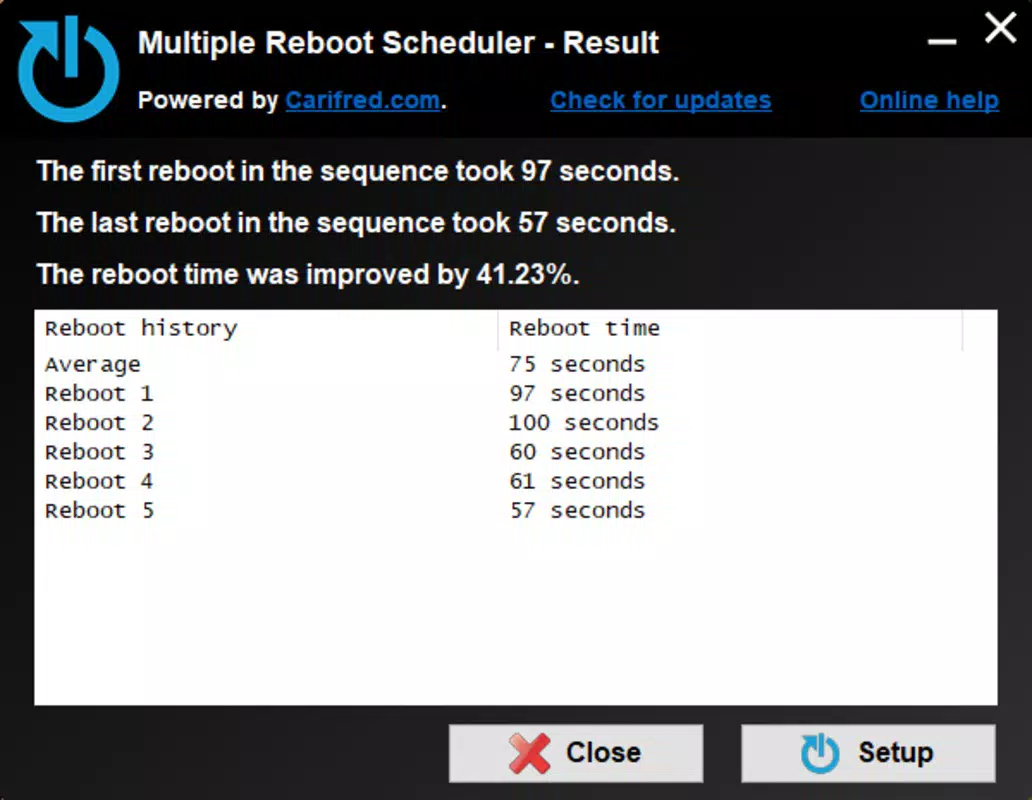
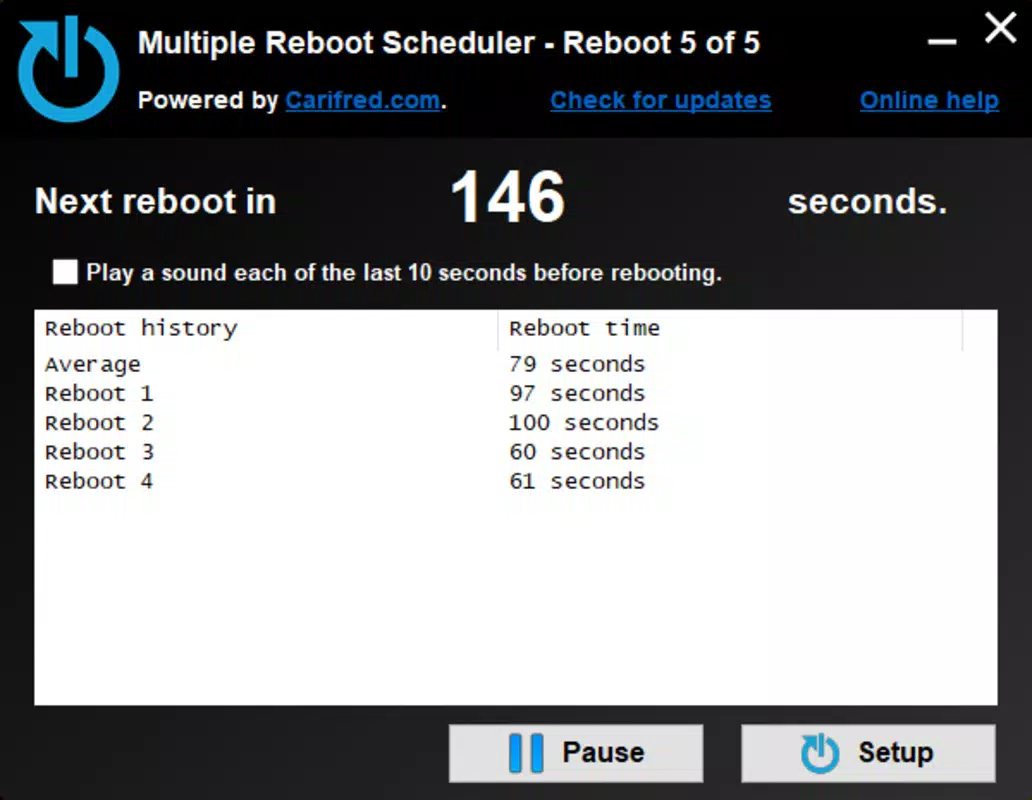
- No built-in monitoring or performance reporting features.
FAQ
Is Multiple Reboot Scheduler safe to use?
The app is designed to execute standard Windows restart commands. It does not modify system files directly or require administrative privileges beyond those needed for a reboot. As long as it is downloaded from a trusted source, it poses no known security risk.
Can I use Multiple Reboot Scheduler on Windows 10 and 11?
Yes, the app is intended for use on Windows 10 and Windows 11 systems, which are most impacted by hybrid shutdown performance issues.
Does the app require admin rights to run?
While the developer did not specify, most reboot-related utilities require administrative privileges to initiate system restarts. Users may need to run the app as an administrator.
How often should I schedule reboots?
There is no fixed schedule. Users can set reboots based on personal usage patterns. Some may opt for daily, weekly, or on-demand sessions depending on performance needs.
Is the app updated regularly?
The developer did not provide information on update frequency. The current version is 1.0.0, and no changelog or release notes are available.
Final Thoughts
Multiple Reboot Scheduler offers a focused, practical solution for users struggling with slow boot times on modern Windows systems. By addressing the root cause of performance decay—hybrid shutdowns—it delivers tangible improvements in startup speed and system responsiveness. Its minimal design, ease of use, and free availability make it a compelling tool for anyone seeking to maintain peak PC performance without complexity.
While it lacks advanced reporting or monitoring features, its simplicity is its strength. The app is ideal for users who value efficiency, reliability, and low maintenance. For those dealing with sluggish startups, this utility provides a straightforward path to recovery.
Download Multiple Reboot Scheduler now


